One calm workspace
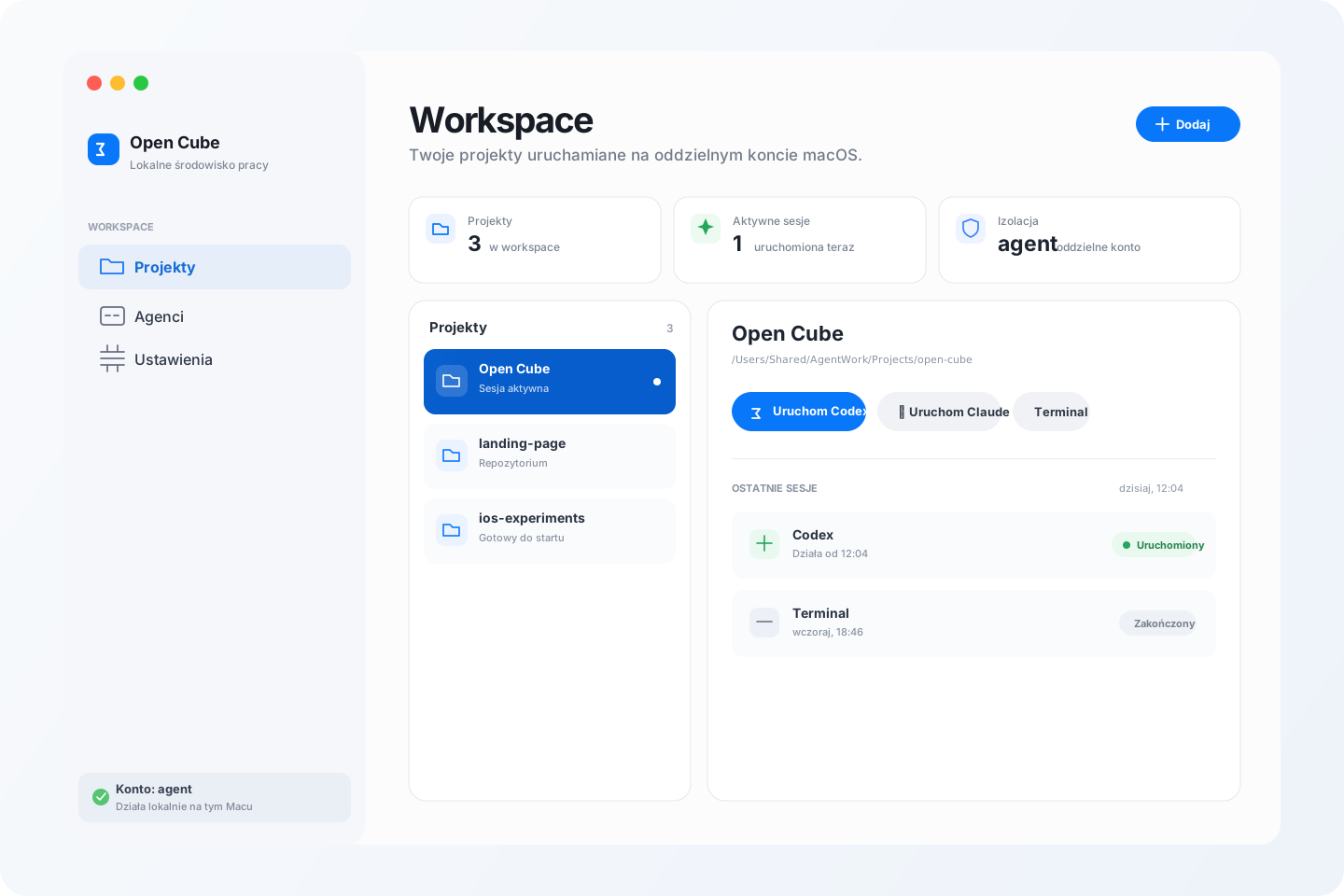
Your projects, at a glance.
See project status, active sessions and the controls you need without losing the context of your workspace.
Releases
Questions and answers.
How do I get started?
Download and open the installer, then follow the macOS installation steps. Open Open Cube in Applications and choose “Skonfiguruj Maca” (Set up your Mac). The guide will walk you through the next steps.
Installation guideWill it work on my Mac?
You need macOS 14 or later. One installer supports Apple Silicon and Intel. No Xcode required.
Why does macOS ask for permission or a password?
This alpha is not notarized by Apple, so macOS may block it until you approve it. Installation and switching accounts may require a password. macOS handles passwords; the app does not store them.
Permissions and securityDo I need a Codex or Claude account?
Yes. Sign in to each tool separately using the buttons in the app. Access and billing are subject to each provider’s terms.
What does a separate agent account do?
The agent runs as a standard user with access defined by macOS permissions. This is not a full sandbox. The app does not enforce network restrictions and has not undergone an independent security audit.